
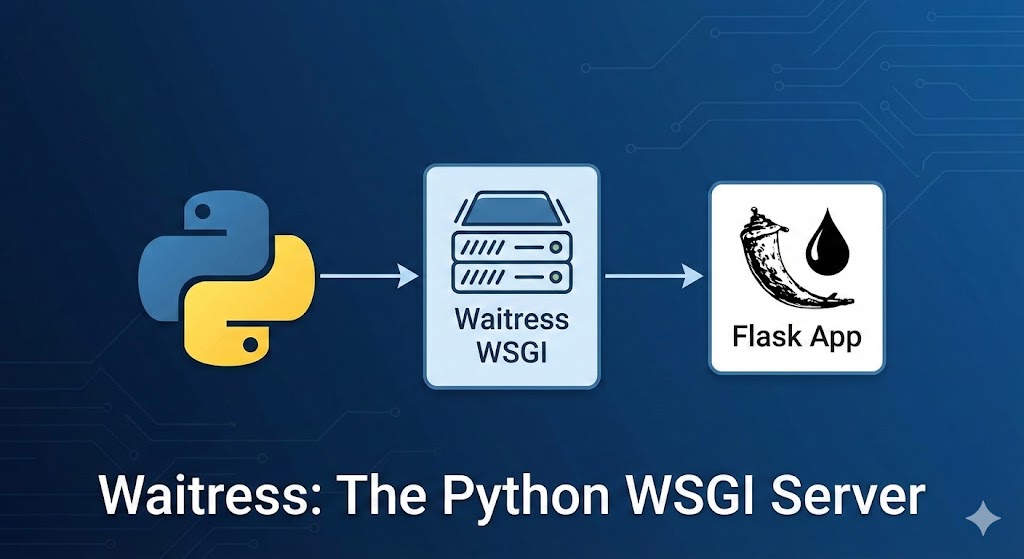

If you are seeing the warning “WARNING: This is a development server. Do not use it in a production deployment” in your terminal, this guide is for you.
When building Python web applications with Flask, the built-in run() command is great for debugging, but it is not designed to handle real-world traffic. To go live, you need a WSGI (Web Server Gateway Interface) server.
In this tutorial, we will set up Waitress, a pure-Python WSGI server that is performant, easy to install, and works perfectly on both Linux and Windows.
Why Choose Waitress over Gunicorn or uWSGI?
While Gunicorn is a popular choice, Waitress offers specific benefits:
-
Cross-Platform: It runs natively on Windows (unlike Gunicorn) and Linux.
-
Simplicity: It requires very little configuration to get started.
-
Lightweight: It has no external dependencies beyond the Python standard library.
Step 1: Install Waitress
Activate your Python virtual environment and install the package using pip:
Activate your Python virtual environment and install the package using pip:
pip install waitressStep 2: Prepare Your Flask Application
Ensure your application object is accessible. Let’s assume your main file is app.py:
Python
# app.py
from flask import Flask

app = Flask(__name__)

@app.route("/")
def index():
    return "Production Server is Live!"

if __name__ == "__main__":
    # This block only runs during development
    app.run(debug=True)
Step 3: Create the Production Entry Point
It is best practice to keep your production logic separate from your app logic. Create a new file called server.py:
# server.py
from waitress import serve
from app import app

if __name__ == "__main__":
    print("Server starting on port 8080...")
    # '0.0.0.0' binds to all network interfaces, allowing external access
    serve(app, host="0.0.0.0", port=8080)
Step 4: Run the Server
Execute your new script:
python server.py
Your app is now running on a production-grade server!
What’s Next?
While Waitress serves the Python code, it shouldn’t face the open internet directly. You need a Reverse Proxy to handle security and static files. [Read Next: How to Setup Nginx as a Reverse Proxy for Python]